Features
A button-driven, template-based workflow that covers the whole meta-analysis, from a raw extraction workbook to a GRADE summary of findings and a re-runnable bundle.
Watch it run, 73 seconds
A silent screen capture from the live app: the pairwise binary-outcome template loads a worked example, pools ten trials (risk ratio 0.69, I² 0%), gets a GRADE certainty rating, and ends at the report builder and the re-drawn forest plot. Captions describe each step.
Import and prepare
Get messy real-world extraction workbooks into shape, without leaving the browser.
- Data import CSV and Excel upload, multi-sheet workbooks, automatic header detection, value boxes.
- Edit and clean Editable grid, per-column retype and rename, row include or exclude, each emitting its exact R.
- Combine Join or stack worksheets with auto-detected keys, a grain guard, and fan-out warnings.
- Quality checks Duplicate study-ID detection, biological-range checks, configurable consistency rules.
- Citations Import RIS, CSL-JSON, RevMan, Covidence or Rayyan reference exports — parsed entirely offline into a References section for the report.
Explore and analyze
Eleven templates, a six-view EDA, network meta-analysis, and a drag-to-build pipeline.
- EDA studio Summary, distributions, missingness, correlations, by-group, and scatter, each with code.
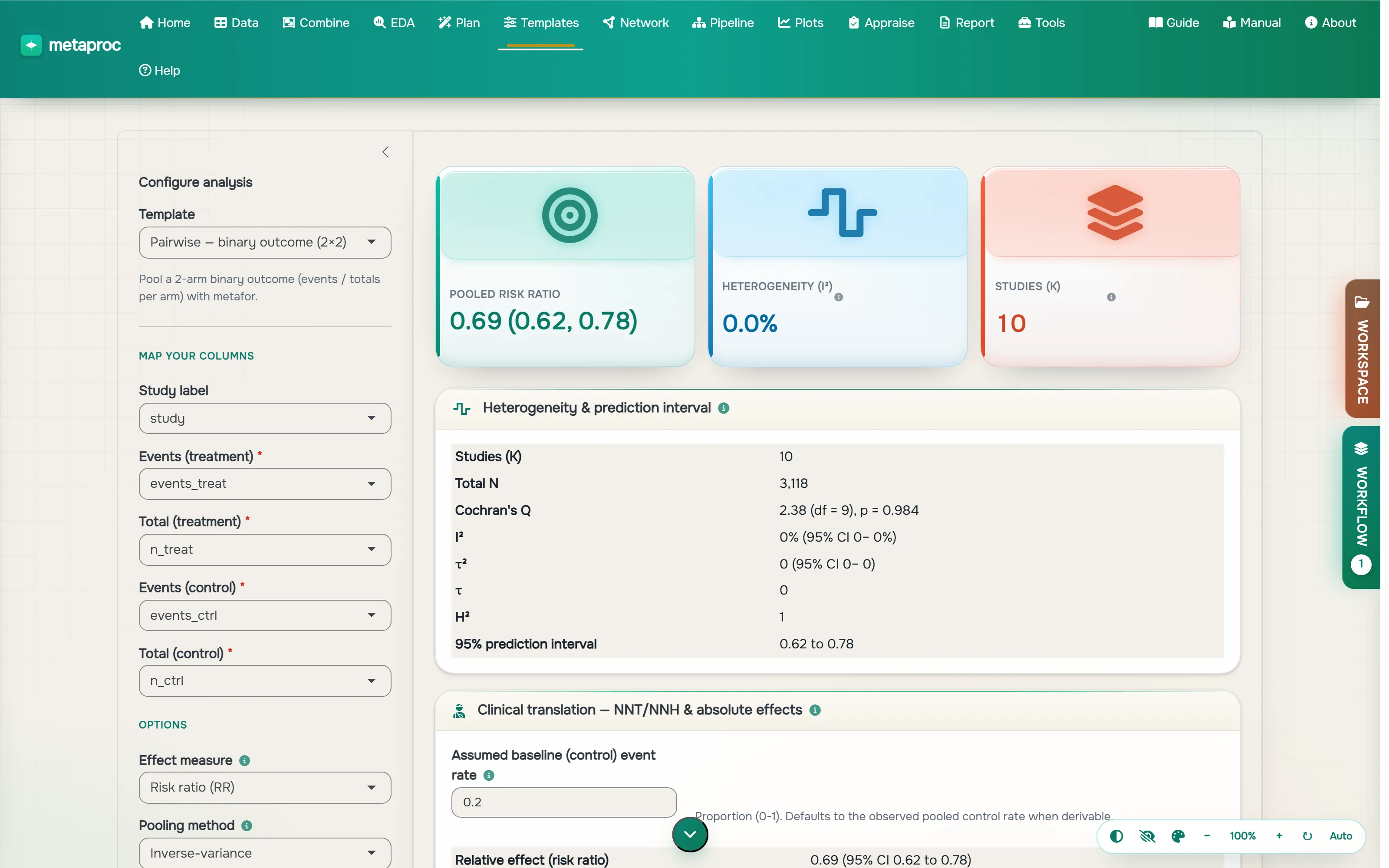
- Templates Binary, continuous, proportion, correlation, HR, IRR, three-level and more.
- Network MA netmeta network plot, league table, P-scores, and net-split inconsistency.
- Pipeline Drag components (meta-regression, cumulative, trim-and-fill, Baujat) into an ordered run.
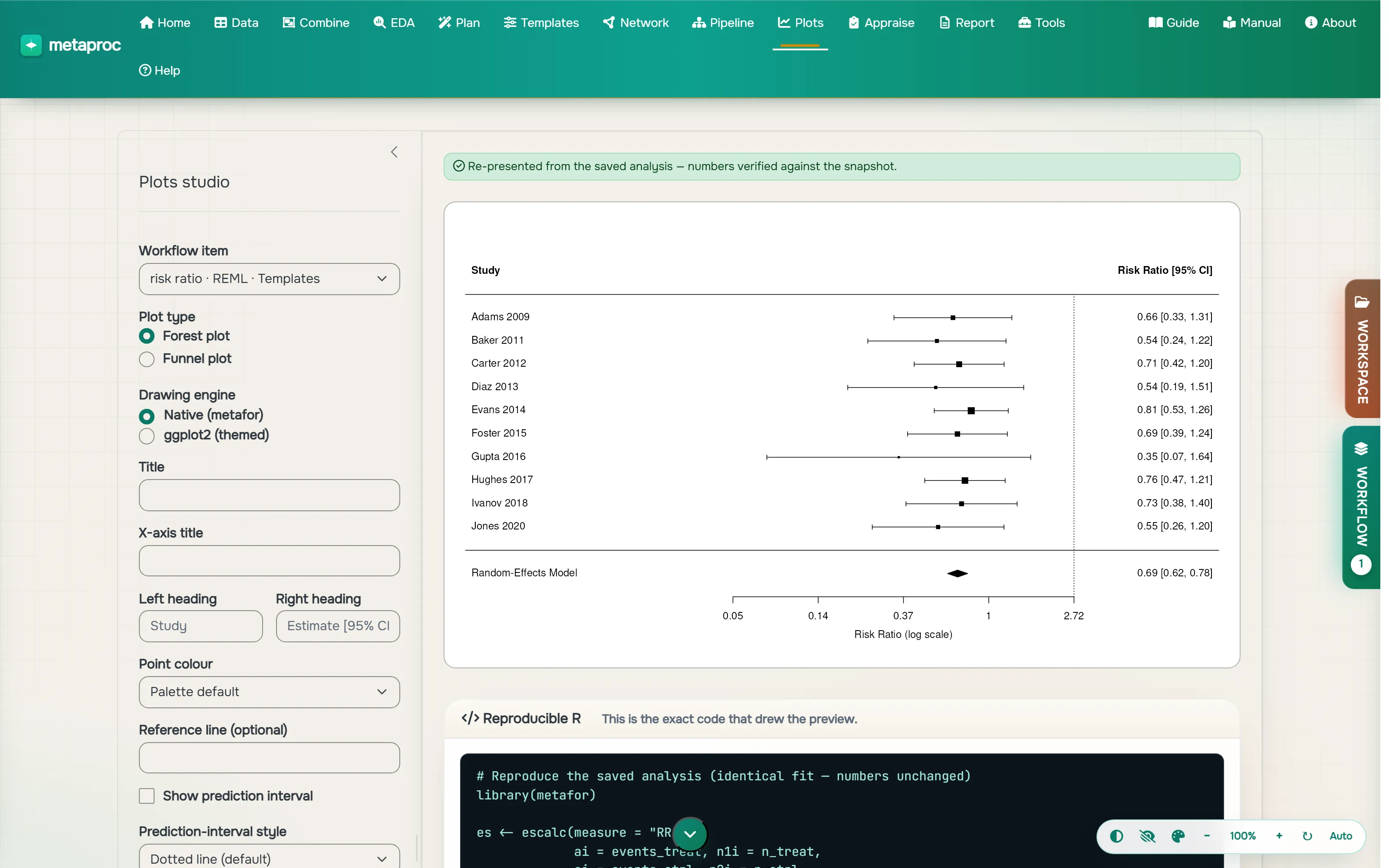
- Plot studio Forest and funnel plots with per-study styling, theme presets, and an optional standalone ggplot2 or metafor code emitter alongside the preview.
Appraise and report
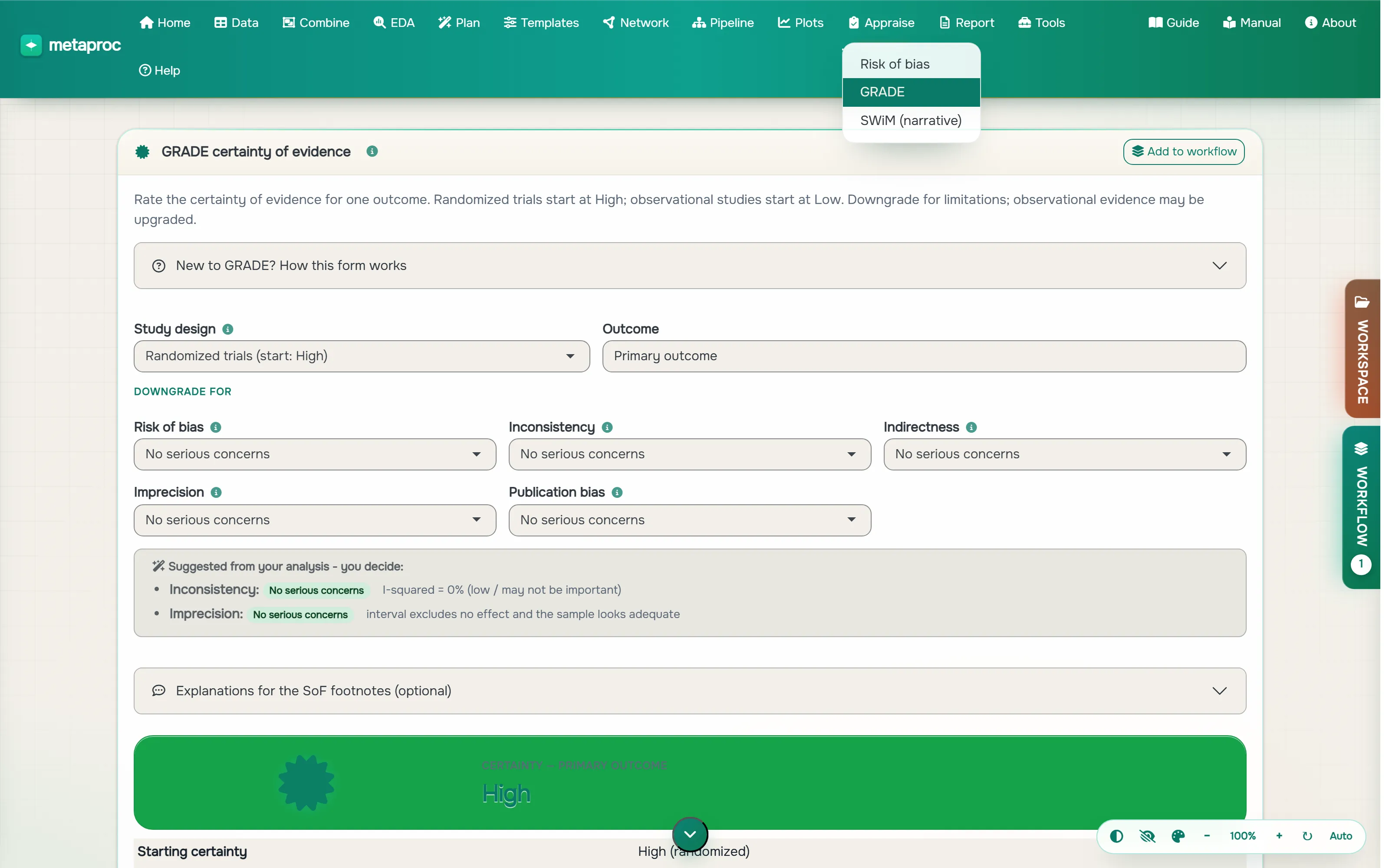
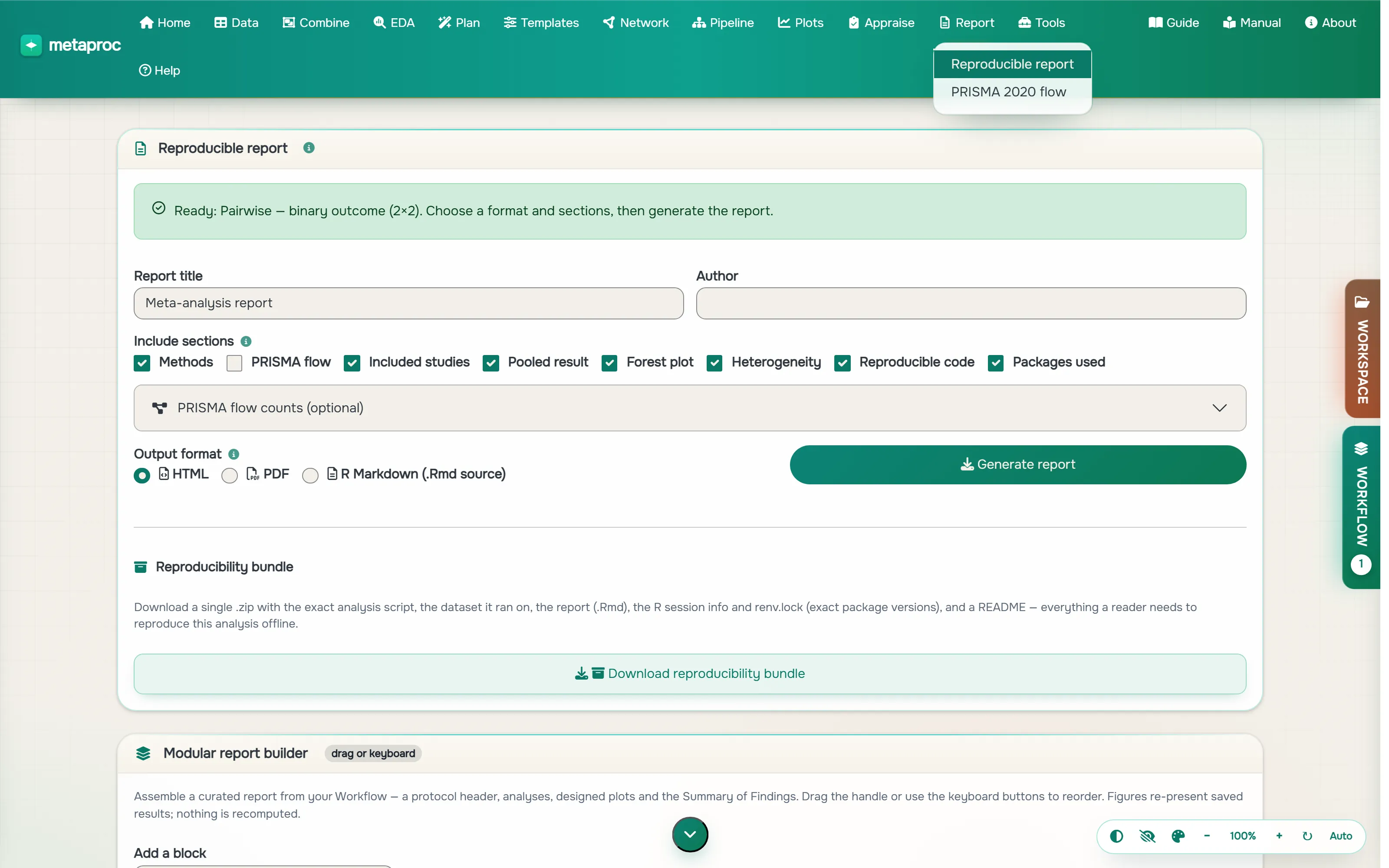
Risk of bias, GRADE, SWiM, PRISMA, and a reproducibility bundle that re-runs anywhere.
- Risk of bias RoB 2, ROBINS-I and QUADAS-2 traffic-light and summary plots (robvis).
- SWiM and PRISMA Vote-counting harvest plot and a PRISMA 2020 flow diagram from your screening data.
- Reproducibility bundle A .zip with runnable analysis.R, the data, sessionInfo(), and renv.lock.
- Tools Effect-size converter (12 conversions) and a-priori power analysis.
- Tables and Table 1 A publication-ready table builder: descriptive summaries and a medical Table 1 (group columns, p-values, custom bins), exported to HTML, LaTeX or Word.
Every screenshot and the demo above are real captures from the live app (June 2026 beta); nothing is mocked up. For the exact, up-to-date capability inventory, see the generated product manual.